3 Incredible New ChatGPT Features You Have To Try
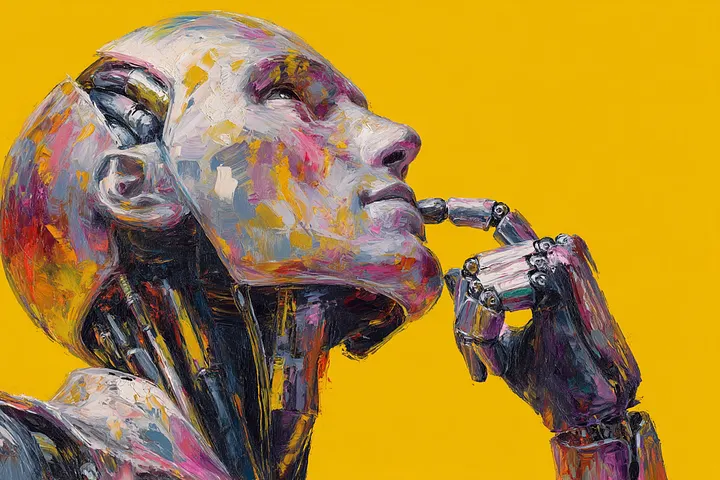
If you’ve been using ChatGPT for a while, you’ve probably noticed—it’s evolving fast. Every few months, it seems to level up in ways that make you rethink what’s possible with AI. From smarter answers to creative tools that feel like magic, ChatGPT is quickly becoming more than just a chatbot.
Whether you’re a student, entrepreneur, or just someone who loves exploring tech, these new features are worth your attention. Let’s dive into three of the most exciting ones that are changing the game right now.
1. Memory That Actually Remembers You
Imagine chatting with ChatGPT about your favorite projects, and the next time you log in, it still remembers what you were working on.
That’s not a dream anymore — it’s the new Memory feature.
ChatGPT can now recall details you’ve shared across conversations: your name, writing style, ongoing projects, or even your preferences. It’s like having a digital assistant who actually knows you — one that doesn’t need to be reintroduced every time.
For example, if you often ask for social media captions in a specific tone, ChatGPT will start generating them that way automatically. Over time, it tailors its personality and answers to you — becoming more like a personalized collaborator than a generic AI.
Of course, you stay in control. You can edit or delete memories anytime. It’s privacy with personalization — a rare combo in today’s tech world.
2. The Canvas for Creativity: Code and Docs, Side by Side
Ever tried writing an article or coding a project while chatting with ChatGPT? Switching between windows was always the annoying part.
Not anymore.
The new Canvas feature lets you collaborate in real time with ChatGPT inside a document or code editor. You can write, edit, or debug — and watch suggestions appear right where you’re working.
Say you’re building a website in React. ChatGPT can now generate, modify, or refactor your code in a live editor, no copy-paste needed. Or if you’re drafting an article, it can improve your paragraphs inline, without breaking your flow.
This feels less like “asking an AI for help” and more like co-working with a creative partner who never gets tired.
3. Smarter With Images and the Web
ChatGPT can now see and search.
The latest model doesn’t just handle text — it interprets images and connects to the internet for real-time answers.
Need to troubleshoot a confusing graph, analyze a screenshot, or identify an object? Upload it. ChatGPT will break it down step by step.
And when you’re researching? You no longer have to wonder if its info is outdated. It can browse the web live, cite current sources, and give you context from the latest data.
This combination of vision + knowledge transforms ChatGPT from a language model into a true research assistant. It’s not just about asking — it’s about understanding.
The Future Is Conversational
Each of these updates points toward one big shift: ChatGPT is becoming more human-like in the way it collaborates, learns, and creates with us.
It’s no longer just a Q&A machine. It’s becoming an intelligent partner that adapts to your world — helping you think, build, and grow faster.
But as these tools get smarter, the real question becomes: How will you use them?
Will you let ChatGPT automate your routine tasks — or push it further to amplify your creativity and insight?
The future of AI isn’t about replacing humans. It’s about empowering the curious ones who learn how to use it best.
Reflection:
We’re standing at the edge of a new kind of collaboration — one where our digital tools don’t just respond, they remember, assist, and evolve with us. It’s both exciting and a little humbling.
Question:
As AI becomes more personal and powerful, how will you shape your relationship with it — as a tool, a teammate, or something more?