Design Like a Pro in 10 Seconds: How Canva Magic Design Is Transforming AI Design in 2025
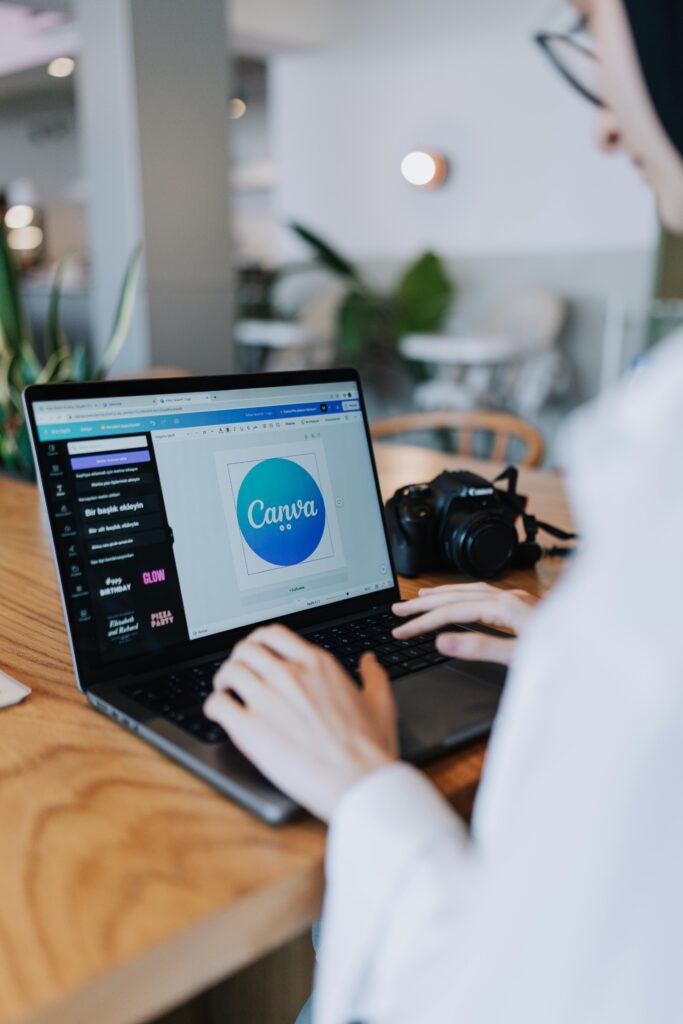
In 2025, design is no longer about endless hours tweaking shapes or picking fonts. Artificial intelligence has flipped the creative world upside down — and Canva Magic Design is leading that revolution.
With a few words, you can now turn ideas into fully-designed visuals in seconds. No Photoshop stress. No creative block. Just pure, instant creation.
What Is Canva Magic Design?
Canva Magic Design is an AI-powered feature inside Canva that automatically creates professional-looking templates, layouts, and color palettes based on the content you upload or describe.
Type a short prompt like “Create a modern logo for a coffee brand” or upload a photo — and the AI generates multiple polished versions instantly.
It uses machine learning models trained on millions of design patterns to understand composition, color harmony, typography, and branding context. The result? Clean, scroll-stopping visuals that look like they were made by a professional designer.
Canva Magic Design vs. Traditional Design Tools
Traditional software like Photoshop or Illustrator is powerful but requires skill, time, and sometimes frustration.
By contrast, Canva AI focuses on simplicity and speed. You don’t start with a blank canvas — you start with smart suggestions.
- Old Way: Spend hours aligning elements, choosing fonts, testing color palettes.
- New Way: Type your idea → AI designs it instantly → you tweak and publish.
Canva Magic Design doesn’t replace creativity; it augments it. You stay in control, but AI accelerates your process.
Real-World Use Cases
1.Social Media Marketing
Marketers use Canva AI to generate engaging Instagram posts, LinkedIn banners, and YouTube thumbnails in minutes.
2.Branding & Logos
Small businesses quickly build consistent brand kits — color palettes, logos, and typography — using AI-generated suggestions.
3.Advertising & Campaigns
Creative teams brainstorm ad visuals instantly instead of waiting days for drafts.
4.Education & Nonprofits
Teachers, NGOs, and students use AI in graphic design to make presentations, posters, and infographics without professional help.
How to Use Canva AI Effectively
If you want to get the most out of Canva Magic Design, focus on crafting the right prompt.
For example:
- Instead of “Make a poster,” say “Create a minimal poster for a tech startup event, using blue and white colors with bold typography.”
- Add context like your brand personality or target audience — AI thrives on details.
The Future of AI in Design
By the end of 2025, AI won’t just assist designers — it will collaborate with them. Multi-modal tools will combine text, voice, and image prompts, letting you design by simply describing your vision aloud.
But here’s the catch: design will still need the human touch — taste, emotion, and story. AI can accelerate creation, but it can’t replicate the soul behind a great design.
The best creators in 2025 will be those who know how to work with AI, not against it.
Final Reflection
Canva Magic Design proves one thing: the future of creativity isn’t about who can use the most complex tools — it’s about who can express ideas the fastest.
So the next time you need a design, don’t open a blank canvas. Just open Canva, type your vision, and watch AI bring it to life.
👉 Because in 2025, great design isn’t about effort — it’s about intelligence.